Get Started
Get Started
Get Started
BetterEdit.com has been serving students and professionals since 2000.
In early 2016, BetterEdit.com was acquired by ProofreadingPal.com.

People trust ProofreadingPal to ensure that their documents are grammatically sound. That's why every document you submit to ProofreadingPal is proofread and edited by two of our highly skilled proofreaders; our unique two-editor approach ensures the utmost accuracy.
Save 10% on your ProofreadingPal order with coupon code: betteredit2024
This coupon is good through 12/31/2024.
Save 10% on your ProofreadingPal order with coupon code: betteredit10

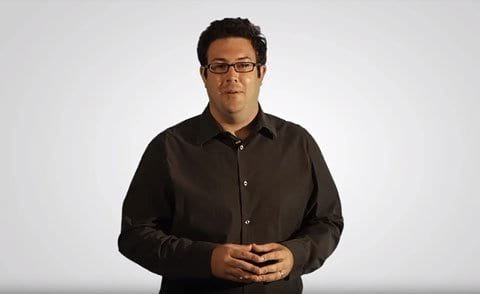
President and Founder
Brian Kaldenberg has over twelve years of experience in eCommerce business management. He holds a BS in marketing and is a graduate of Iowa State University. Brian has started several successful online businesses. He accredits ProofreadingPal's success to "hard work, great people, and excellent customer service."
We will get your free sample back in three to six hours!




© 2010 - 2024 ProofreadingPal LLC - All Rights Reserved.
WITH COUPON CODE
%
OFF
SAVE UP TO $
All fields are required.
E-mail should be valid.
NO THANKS